OAuth introduction
Register your account
First, you'll register your own account which has a developer role to access your resources in Gaussian Robot Cloud.
Login Gaussian Cloud

Invite Developer
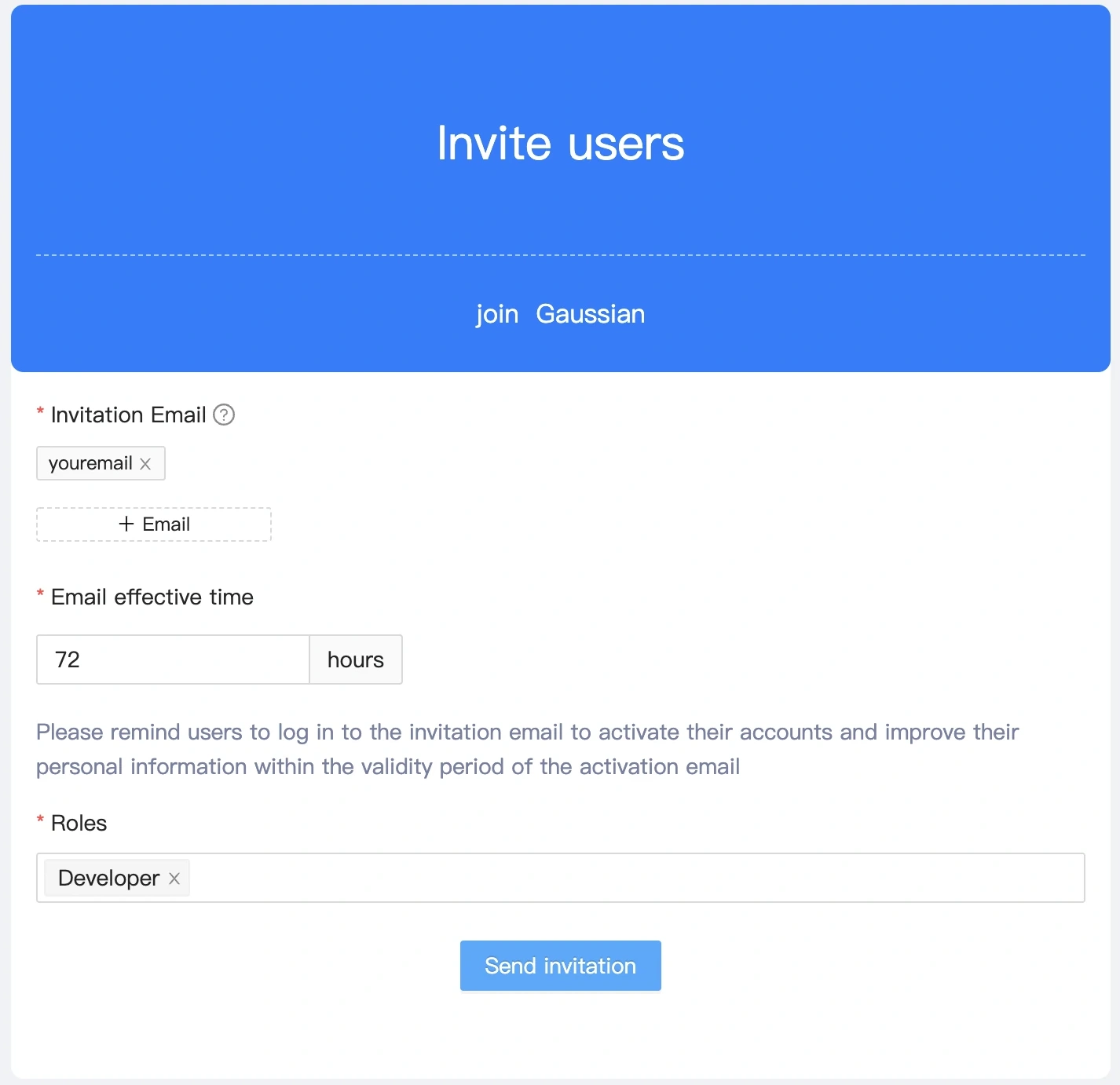
Register developer account
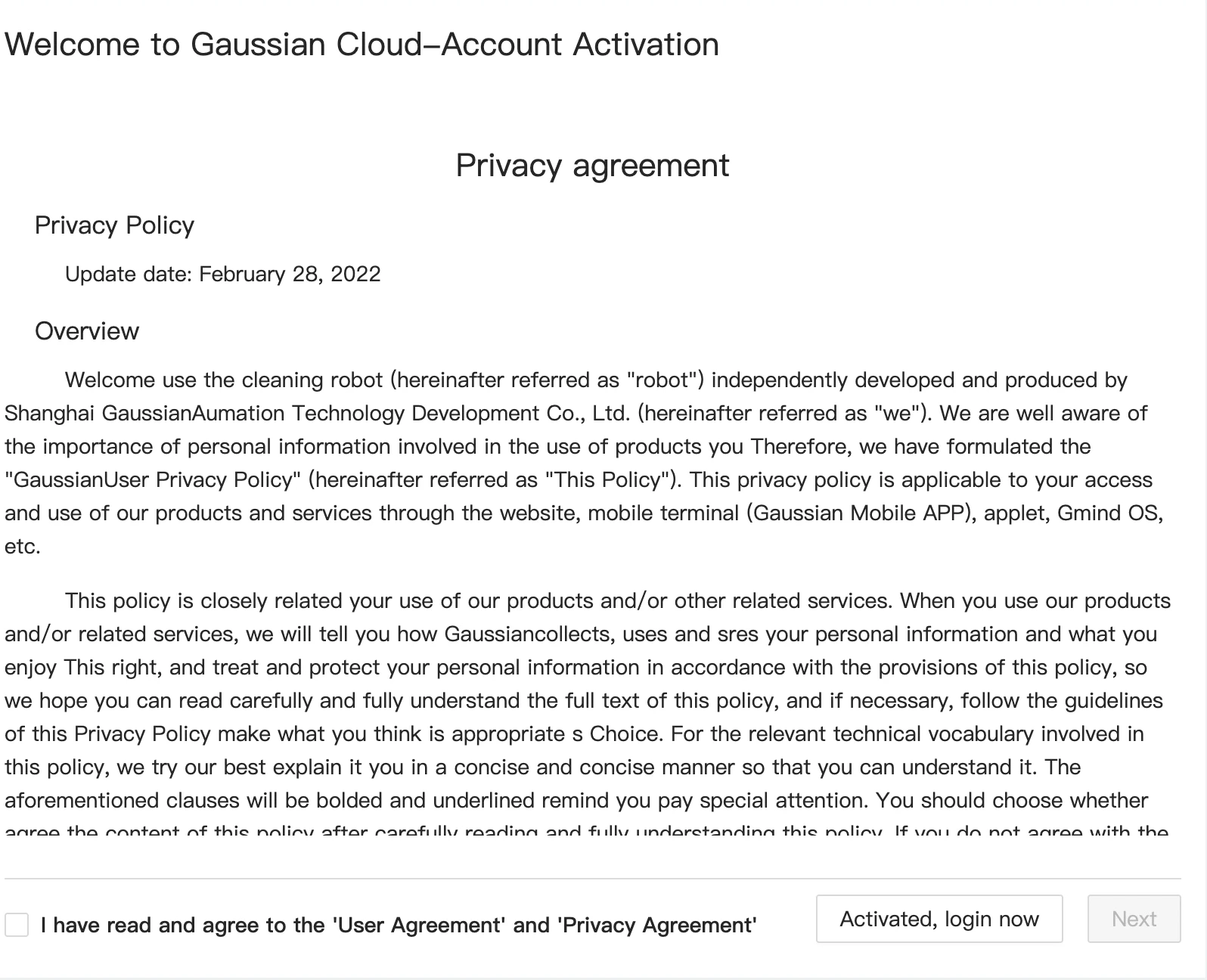
Apply for third-party applition
Then, you'll need to register your application. Every registered OAuth application is assigned a Client ID and Client Secret.
- Login Gaussian Developer Site using developer account.
- Create application.

- Save application secret.

Apply for your Open Access Key
Lastly, apply your account's Open Access Key to access Gaussain Open API.
- Create Access Key.

- Save acceses key.

Access Open API workflow
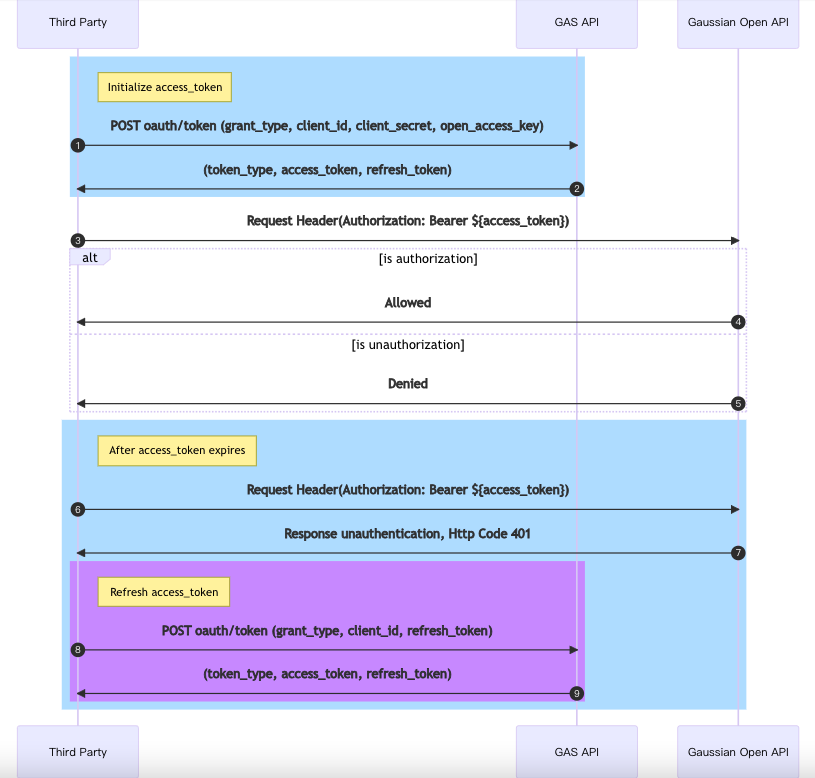
Please refer to the following link for OAuth OpenAPI description.